Free Chrome Extension
Create Fastmail Masked Emails in Just Two Clicks
Stop navigating to Fastmail settings every time you need a masked email. Generate disposable email aliases instantly from any webpage.
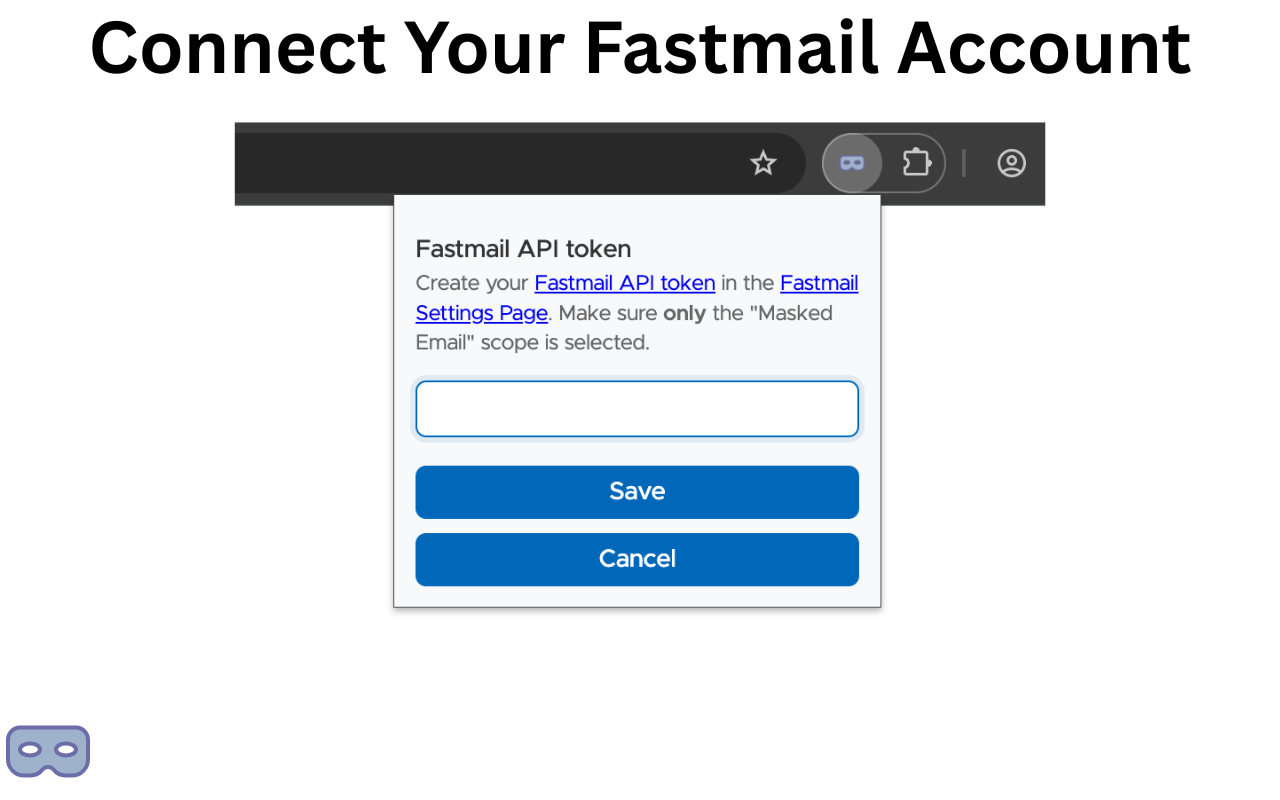
Stop navigating to Fastmail settings every time you need a masked email. Generate disposable email aliases instantly from any webpage.
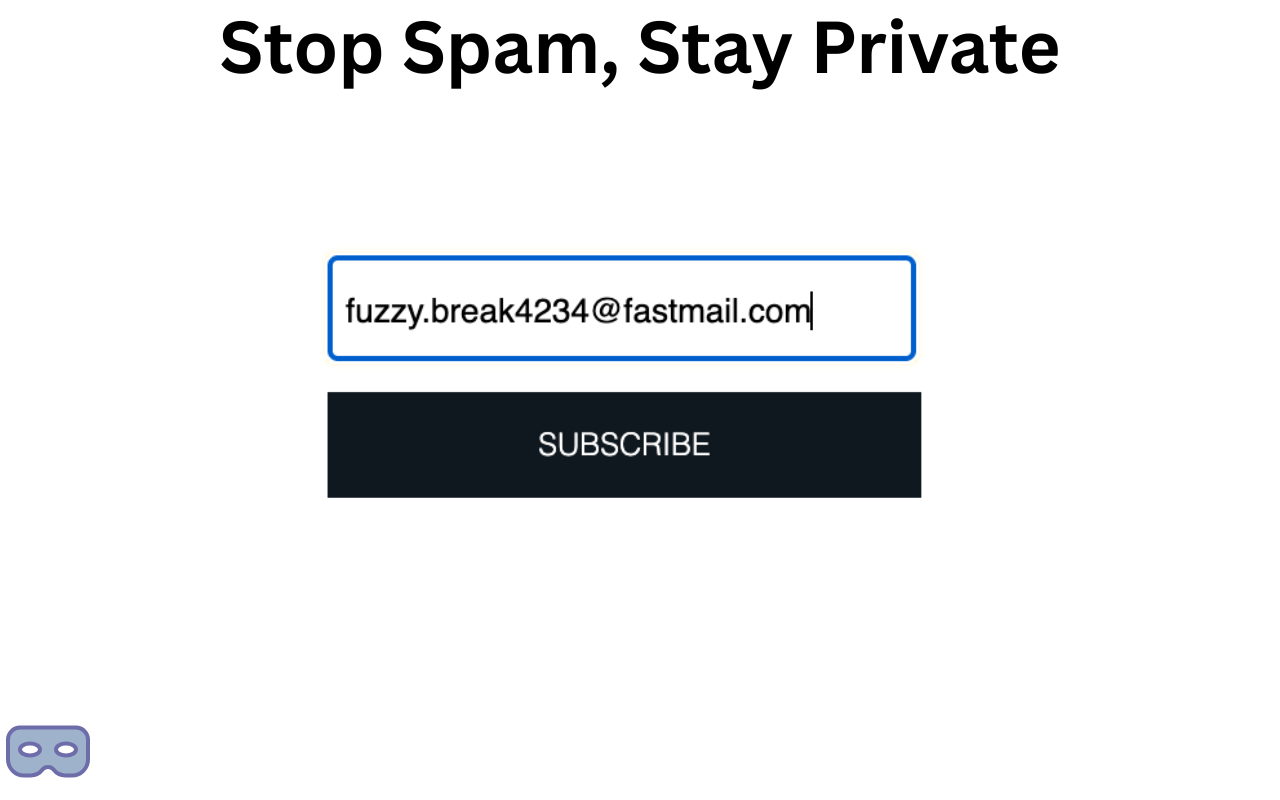
Masked emails are unique, randomly-generated addresses that forward to your real inbox. Use them when signing up for services to protect your privacy and control spam.
Each service gets a unique address. If one leaks, your real email stays safe.
Getting unwanted mail? Disable or delete the masked address instantly.
See exactly which service shares your data by tracking which address is used where.
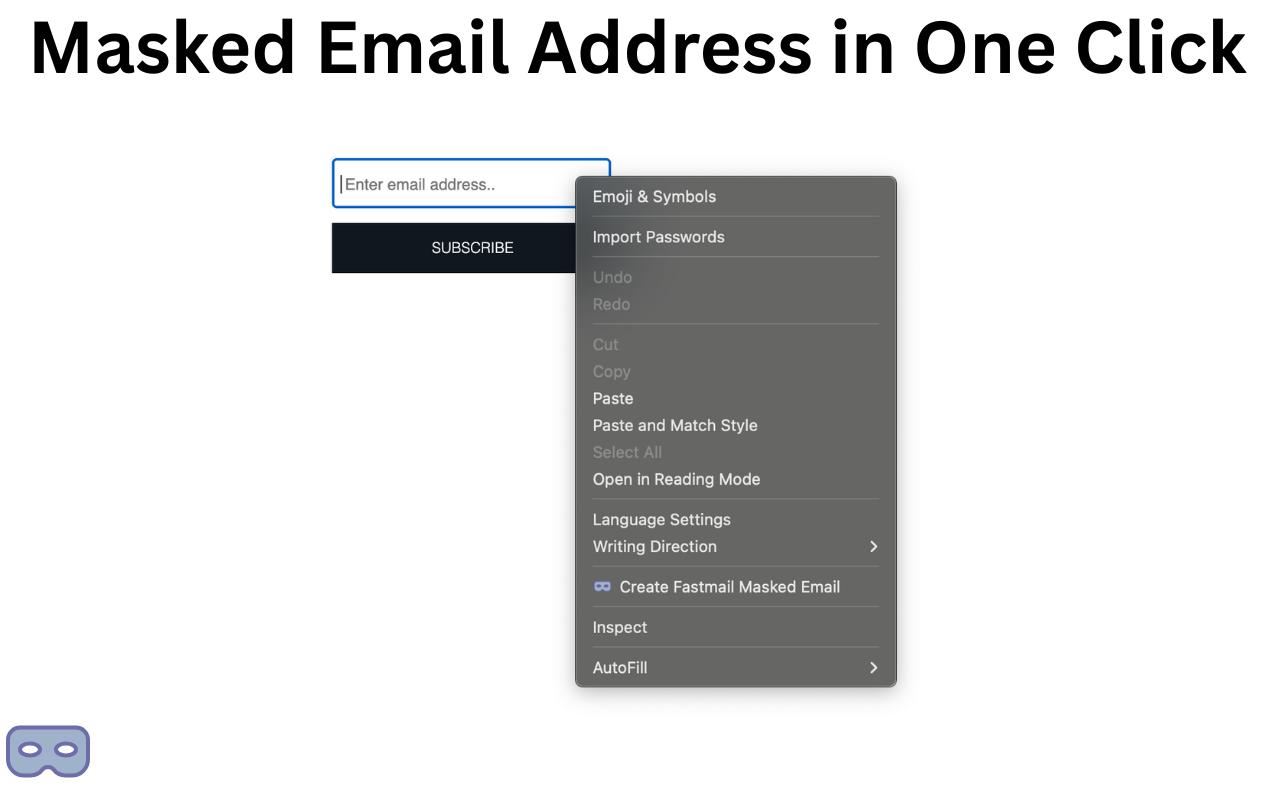
Creating a masked email through Fastmail's settings is cumbersome — you have to navigate away from the page you're on, open settings, create the address, copy it, and go back.
This extension fixes that. Two clicks and you have a fresh masked email copied to your clipboard, right where you need it.
Create a Fastmail API token with only the "Masked Email" scope in your Fastmail settings.
Get it for free from the Chrome Web Store and paste your API token when prompted.
Click the extension icon, hit create — your new masked email is ready and copied to clipboard.
Your security is the whole point. Here's how the extension keeps your data safe.
Your API token never leaves your browser's local storage.
Zero analytics, zero tracking, zero telemetry.
Full source code available on GitHub for anyone to audit.
Only requests the 'Masked Email' API permission.
Install Fast Masked Mail Creator and start protecting your inbox today.
Install from Chrome Web Store